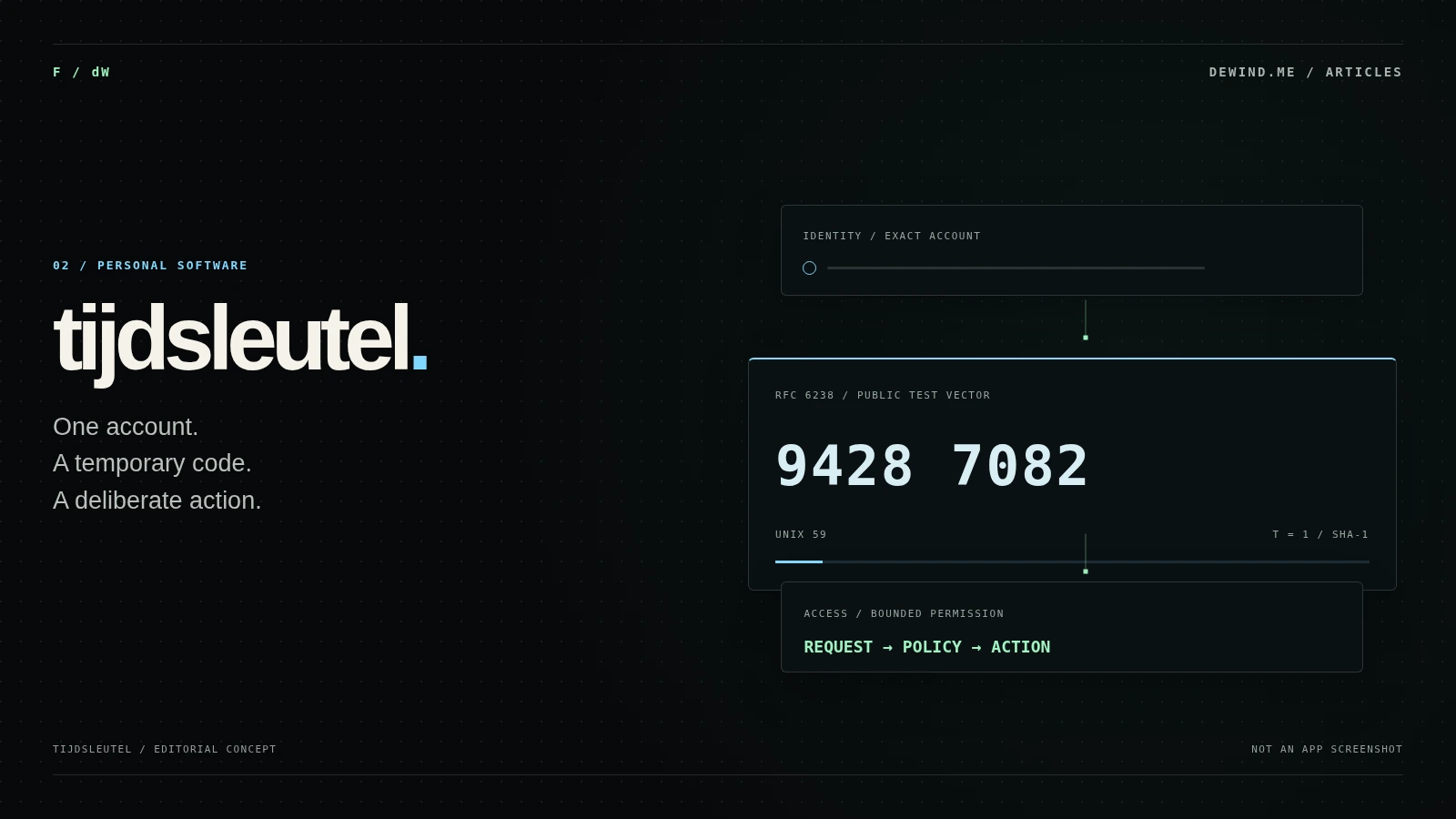
About this article
I use Tijdsleutel daily from the menu bar. The screenshots show my own use with an example account.
Version 1.3.3, build 8, is available as a test release for Apple Silicon and macOS 13 or later.
Codex is connected through the CLI in my own working environment. I can enable and disable keys for agents and use a time window during development.
I have connected my own PostgreSQL database for backups. The usage status was confirmed on 18 October 2026.
I did not want to keep reaching for my phone whenever I needed a verification code while working. So I built Tijdsleutel, a separate TOTP app for my Mac. I now use it daily, mostly from the menu bar.6
My daily version is 1.3.3, build 8. It is also offered here as a test release for Apple Silicon and macOS 13 or later. The screenshots below come from my own use, with an example account.6
The Codex connection is no longer just a design. I have integrated it into my Second Brain workflow through the CLI and use it end to end. I keep control of the code and its management.6
Why I wanted my own app
Apple Passwords already displays verification codes and fills them in where supported. Tijdsleutel comes from my preference for a separate window dedicated to this task.2
I want to recognise the account quickly and see how much of the current code window remains. Search and clear labels matter more to me here than extra information on screen.
Having that control is an important part of the project for me. When I want to add a feature or integrate the app into another workflow, I have the code available. I do not have to wait for another developer’s plans.6
Verification codes from the menu bar
I usually open the compact menu bar window. I search for the account, see its code and countdown, and return to what I was doing. I use the full app window for the overview and management. For me, this is quicker than reaching for my phone each time.6
Finding an account and using its code
The user route starts with the correct account and its time window.
All nodes and connections
The countdown shows the local code window. The receiving service decides which code it accepts.3
How a time-based code is calculated
TOTP stands for Time-Based One-Time Password. A shared secret and a time counter determine the code. The same secret and time window produce the same result. RFC 6238 uses thirty seconds as the default time step; the service and authenticator must agree on the parameters.3
TOTP with public test values
Choose a test time and view the RFC 6238 reference code. This example uses no account details.
RFC 6238 · Appendix B
HMAC-SHA-1 · 8 digits · X = 30 · T0 = 0
No secret input. This component displays fixed reference values, not a current account code.
Protocol example using public test vectors. No live sign-in code or access to your accounts.
This example uses three public SHA-1 test vectors from the RFC, with eight digits. Choose a time to view the reference result. It demonstrates the protocol and is not a Tijdsleutel test result.3
The secret can generate future codes. I therefore want to keep it out of my Second Brain notes and search index. A temporary code and the key used to generate it are different pieces of information.
Using Codex within a time window
During development, I sometimes want Codex to continue working in a headless browser, for example when a service has no suitable API. In Tijdsleutel, I enable the required keys for the agent within a time window. I can revoke those permissions from the app too.6
The Codex connection is in end-to-end use in my own environment. My starting point remains that I decide which access to grant. That is different from giving an agent unrestricted access because it has a task to finish.6
Principles for bounded agent access
The intended limits on requester, account and permission around my existing agent connection.
All nodes and connections
The diagram shows my principles for bounding that access. They matter to the daily connection too: I want to decide what I allow, for whom and for how long.
My own backups and the limits of TOTP
A database of my own for backups
I have connected Tijdsleutel to my own database. Users can choose a PostgreSQL instance of their own for backups, for example at Supabase. I wanted to leave that choice with the user, so the database can fit their own working environment.6
I use key management and the Codex connection daily. I can enable or disable keys for an agent and revoke permissions. That makes the connection part of my development work without rebuilding it each time.6
Time counters and countdowns
T = floor((Unix time - T0) / X)
TOTP = HOTP(K, T)

RFC test example: T0 = 0, X = 30
Unix time = 59  ->  T = 1
HMAC-SHA-1, 8 digits  ->  94287082
The calculation uses Unix time. After sleep or a clock change, the displayed countdown needs to return to the current time. The receiving service decides on acceptance and one-time use.3
Permission for a specific operation
For agent access, I want to keep the requester, account, operation and validity period together. Access to another account should not follow automatically from an earlier approval. I also want to be able to review the access decision without keeping keys or codes in the log.
That requires separate tests using test accounts or public reference values. The RFC calculation does not test storage, app permissions or agent access.
What TOTP does not prevent
A temporary code can be intercepted and relayed. NIST therefore describes OTP as not phishing-resistant. Running locally does not change that protocol property.4
Download Tijdsleutel for the Mac
This is version 1.3.3, build 8, for Apple Silicon and macOS 13 or later. It is a test release. Installation instructions, signing and notarisation status are listed with the download.

Tijdsleutel for macOS
Version 1.3.3 for Apple Silicon, macOS 13 or later. Download Tijdsleutel and drag the app to Applications.
New in this version
- Send feedback from Settings with your app and macOS version filled in.
- Report a problem, idea or question even without contact details.
Opening for the first time
macOS may ask for permission the first time you open it. If it does, follow these steps for the package downloaded here.
- Download the DMG and try to open it. If macOS says it was not opened, click Done.
- Open System Settings → Privacy & Security. Scroll to Security and choose Open Anyway for Tijdsleutel.
- Confirm with your Mac password or Touch ID, then open the DMG again.
- Drag Tijdsleutel to Applications, eject the disk image and launch the app. If macOS blocks the app as well, repeat the permission step.
Report an issue or share an idea ↗
SHA-256 · Check the file
8c5b3fe57e5c3120058ad9083616e9aaf65be794e81cb3933c479afa642379a8Compute the downloaded file’s SHA-256 locally and compare the full value. A match confirms agreement with this declaration, not the safety of the software.
The SHA-256 lets you check that the downloaded file matches the offered package. A match does not establish signing, notarisation or an independent security audit.
The updater described for this release is under Settings → Updates. Use Update and Restart to retrieve an update.
Send a problem or idea through the feedback form or Settings → Feedback. The app fills in version details. Do not add codes or secret keys to your message.
A small task I now do differently every day
What started as a way to leave my phone on the desk is now an app I use every day. The Codex connection came later because I needed it myself. That is what I like about software of my own: I can keep building when my work calls for it.6
Sources and notes
Sources for TOTP, release 1.3.3 and my daily use with Codex. The usage status and screenshots are from 18 October 2026. The public RFC test vectors demonstrate the protocol.
The original project basis. Source 6 provides the updated usage status.
Displaying and using verification codes in Apple Passwords.
TOTP calculation and the public test vectors in Appendix B. These are protocol examples.
Properties and limitations of OTP authentication, including susceptibility to phishing.
Website files for the download route. This document describes the website, not the security of the Mac app.
My confirmation of daily use of version 1.3.3, build 8, the menu bar, PostgreSQL backups and the Codex connection. Not an independent security audit.